How to Set Up WooCommerce Back in Stock Email Notifications
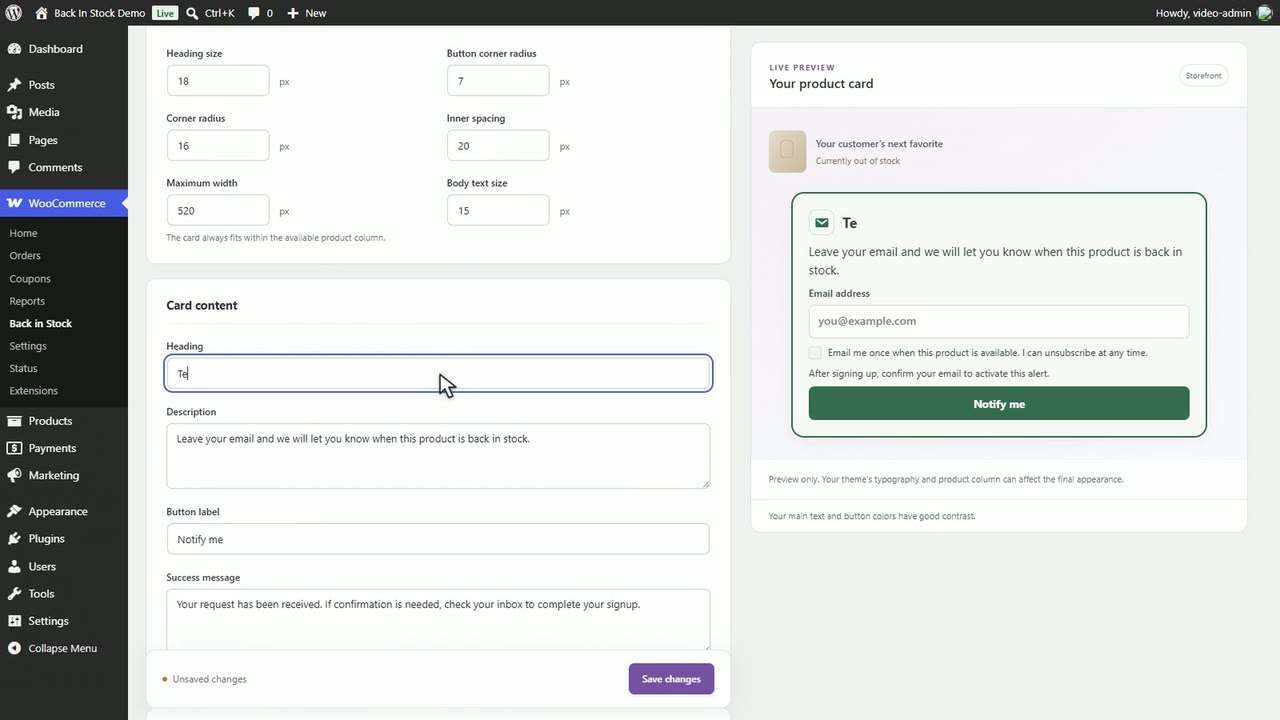
Set up WooCommerce back in stock emails: a signup card on sold-out products, email confirmation, customer controls in My Account and branded alerts.
Step-by-step guides for everyday store jobs, from restock emails to loyalty points. Each one follows a real walkthrough you can watch.
Set up WooCommerce back in stock emails: a signup card on sold-out products, email confirmation, customer controls in My Account and branded alerts.
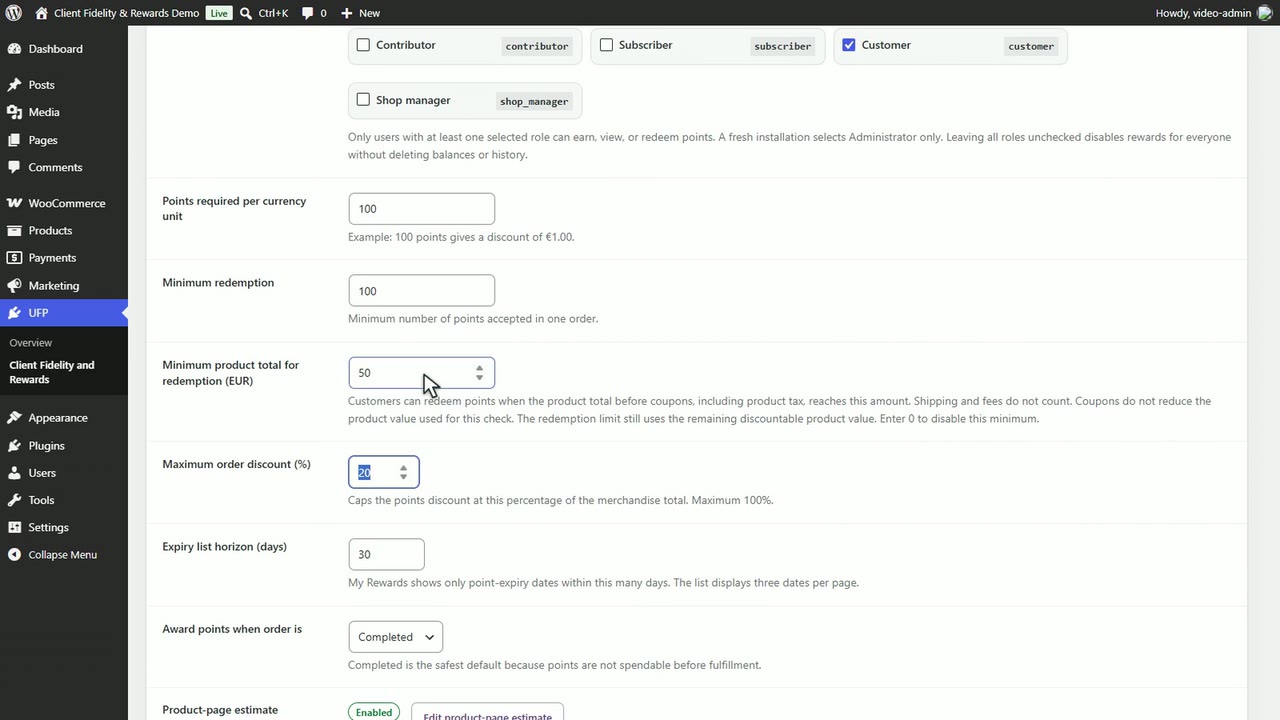
Set up WooCommerce loyalty points: choose who earns, set what a point is worth, cap redemptions, add tiers and let customers redeem points in the cart.
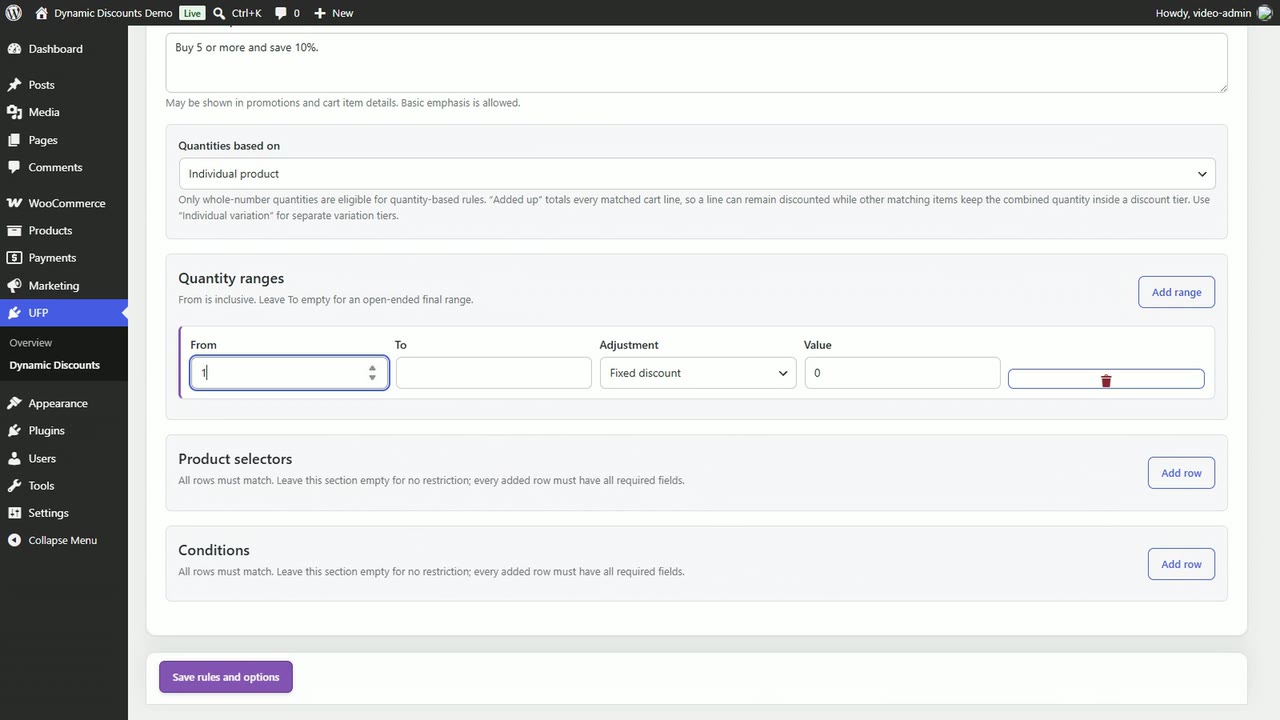
Create a WooCommerce bulk discount by quantity: set a bulk or tiered pricing rule, show a banner and volume table, then test the savings in the cart.
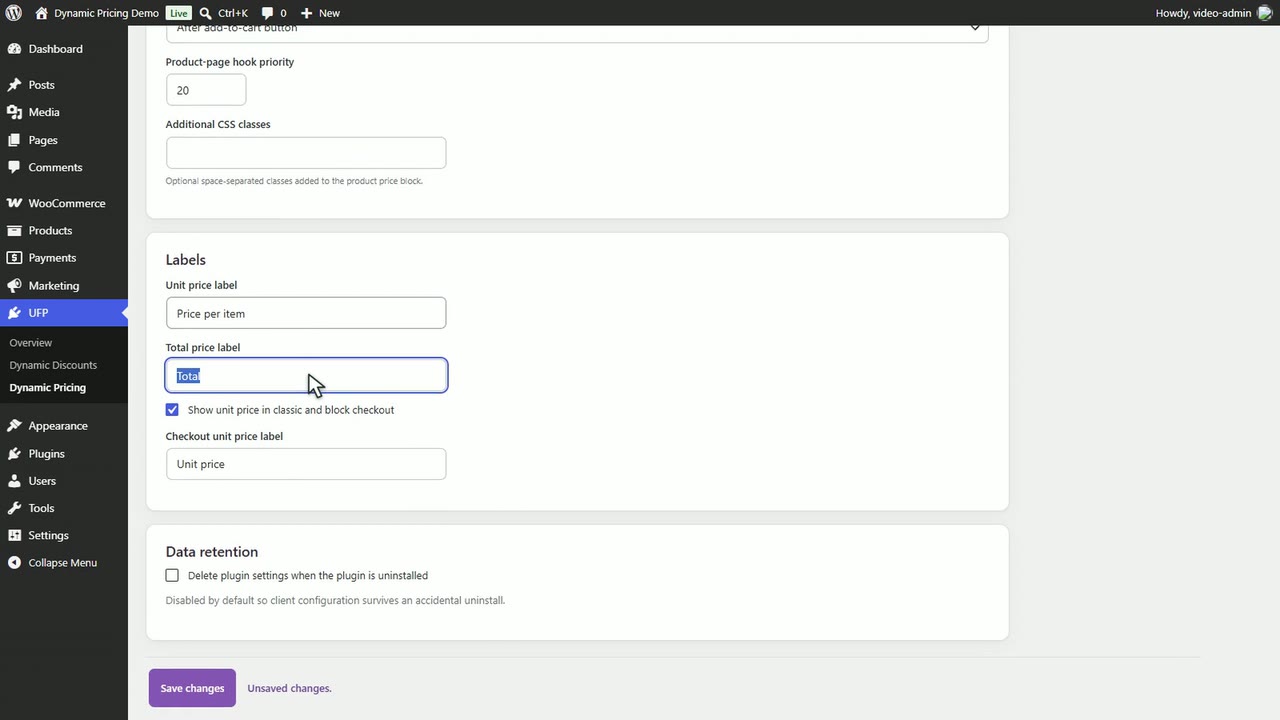
How to show a unit price and quantity total on WooCommerce product pages with Dynamic Pricing, from price labels and savings to styling and checkout.
Set up a WooCommerce newsletter with a reusable signup form, an optional checkout opt-in, product campaigns, audiences, and SendGrid delivery.
Let signed-in WooCommerce customers save Home and Office addresses, choose one at checkout, and add the custom address fields your store needs.
Show extra products beside the item a shopper is viewing in WooCommerce, each with its own quantity, live price, and Add to cart button.
Set up an on-site WooCommerce product review reminder: a banner with a pending-product count and one dashboard where customers review their purchases.
Replace WooCommerce variation dropdowns with accessible text buttons. Set presets, stock wording and a mobile layout, then style Product Blocks Pills.